
Document guide
Document upload guide
Clear documents are approved faster. You add these photos only through the personal invite link your regional manager sends you, with the manager's help. Follow these guidelines when you take them.
Accepted
- All corners visible
- Clear photo, no blur
- No glare or shadows over data
- Selfie shows your face and document together
Rejected
- Cropped document
- Blurry photo
- Screen photo or gallery preview
- Document and face not visible together
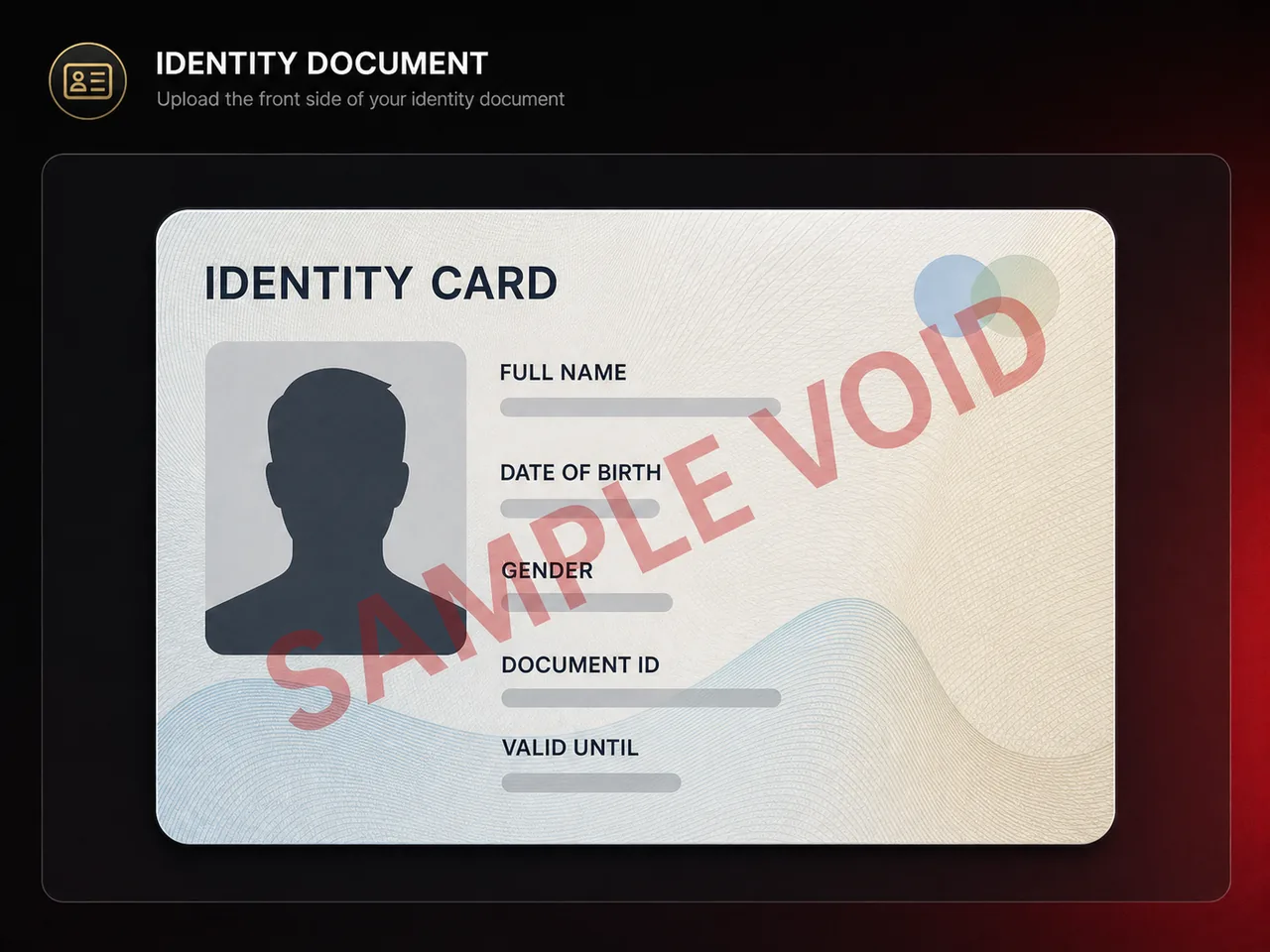
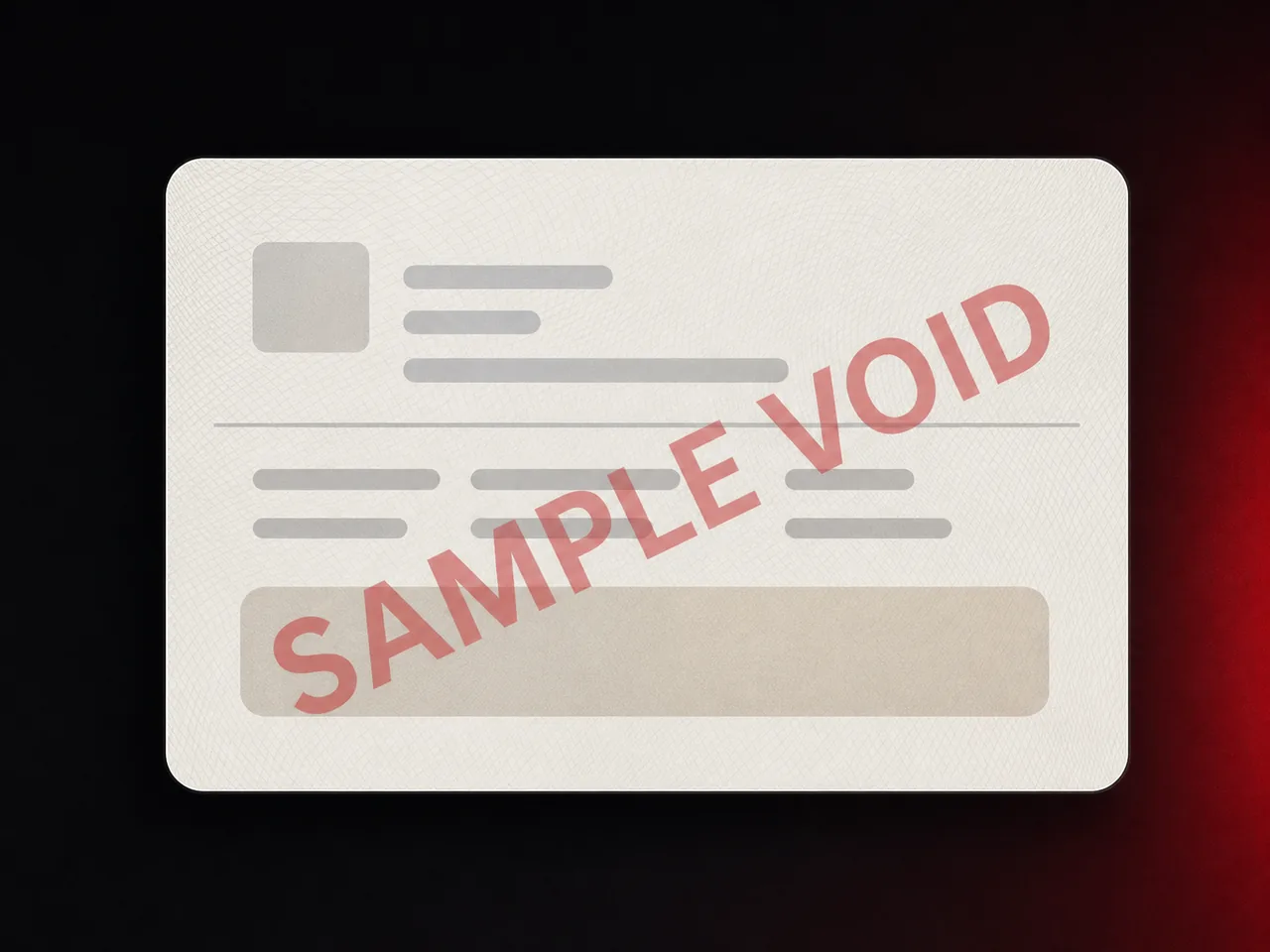
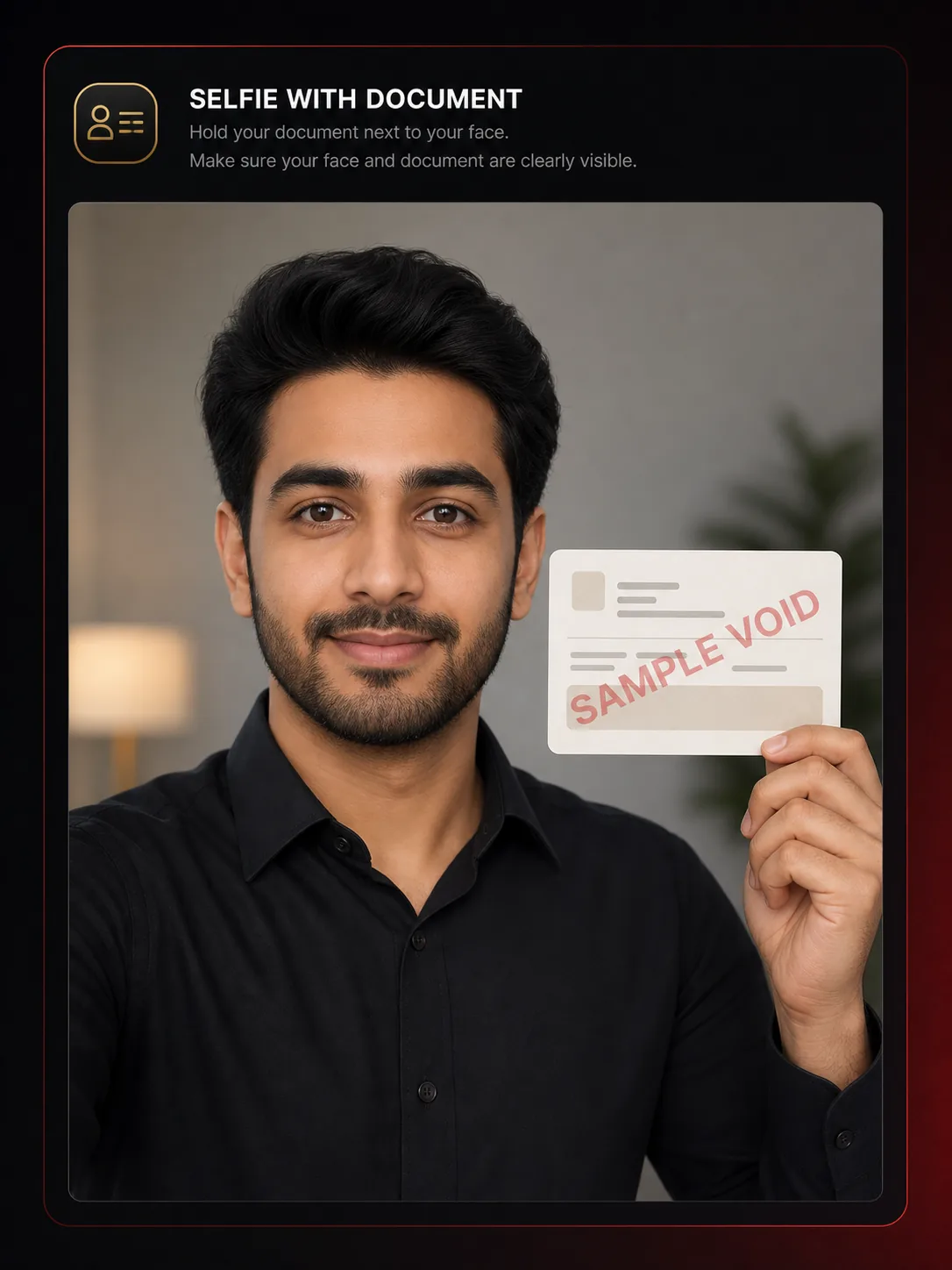
Examples are SAMPLE / VOID and contain no real identity data.
Common rejection reasons
- Edges or corners cut off
- Glare hiding numbers or photo
- Face and document not visible together
- Low resolution or heavy compression